
Email Development: From a Headache to a Total Relief!
In my workflow, I apply an atomic design model to build email templates. This means breaking down emails into reusable components (atoms, molecules, and organisms) that can be combined to create flexible layouts and multiple variants. By defining design tokens (colors, typography, spacing) and modular blocks such as buttons, headers, product cards, and footers, I can quickly assemble consistent and responsive emails for both marketing and transactional purposes.
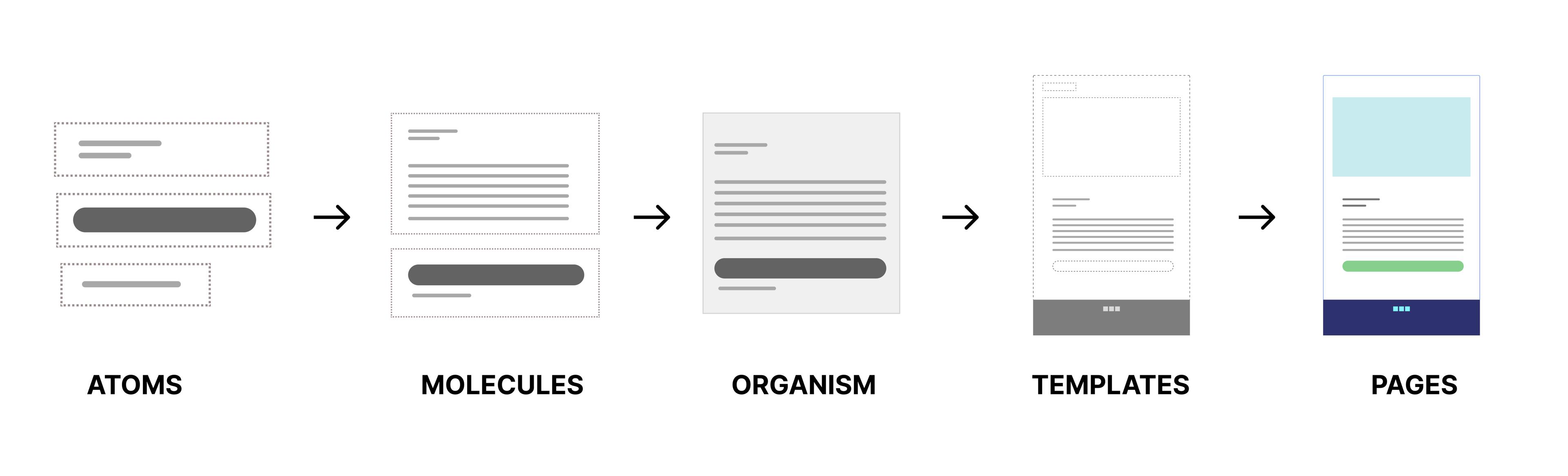
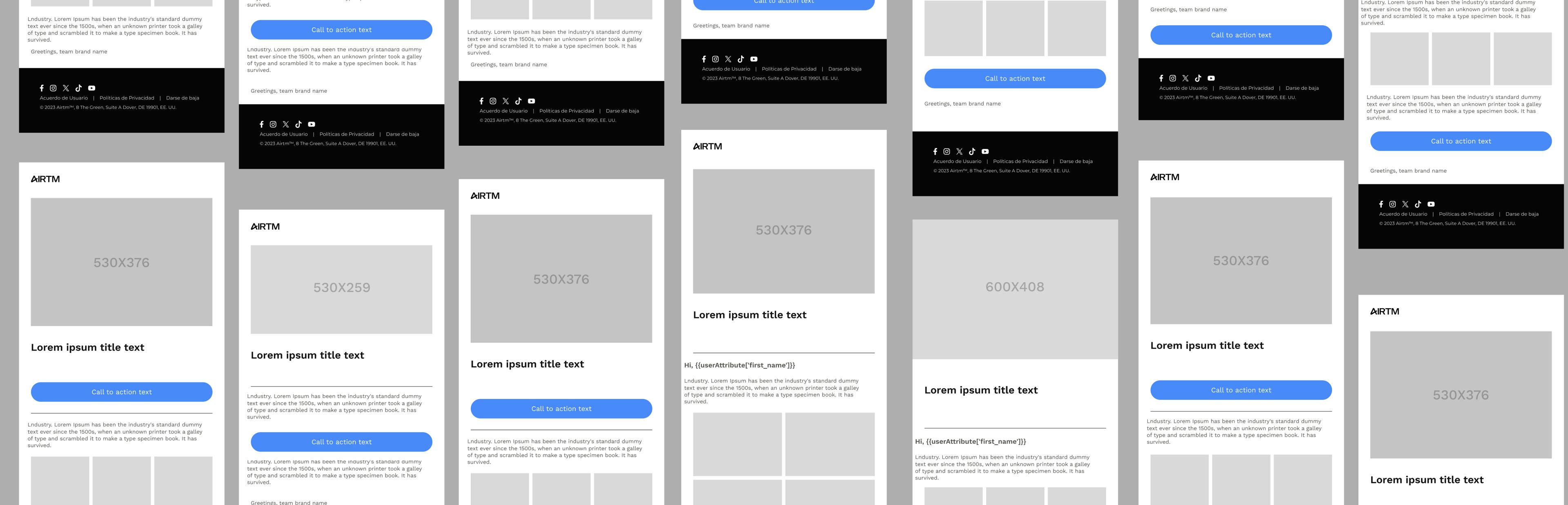
From atomic components, I move into wireframes where I create and test multiple email variations. This step helps me define structure, hierarchy, and adaptability before final design.
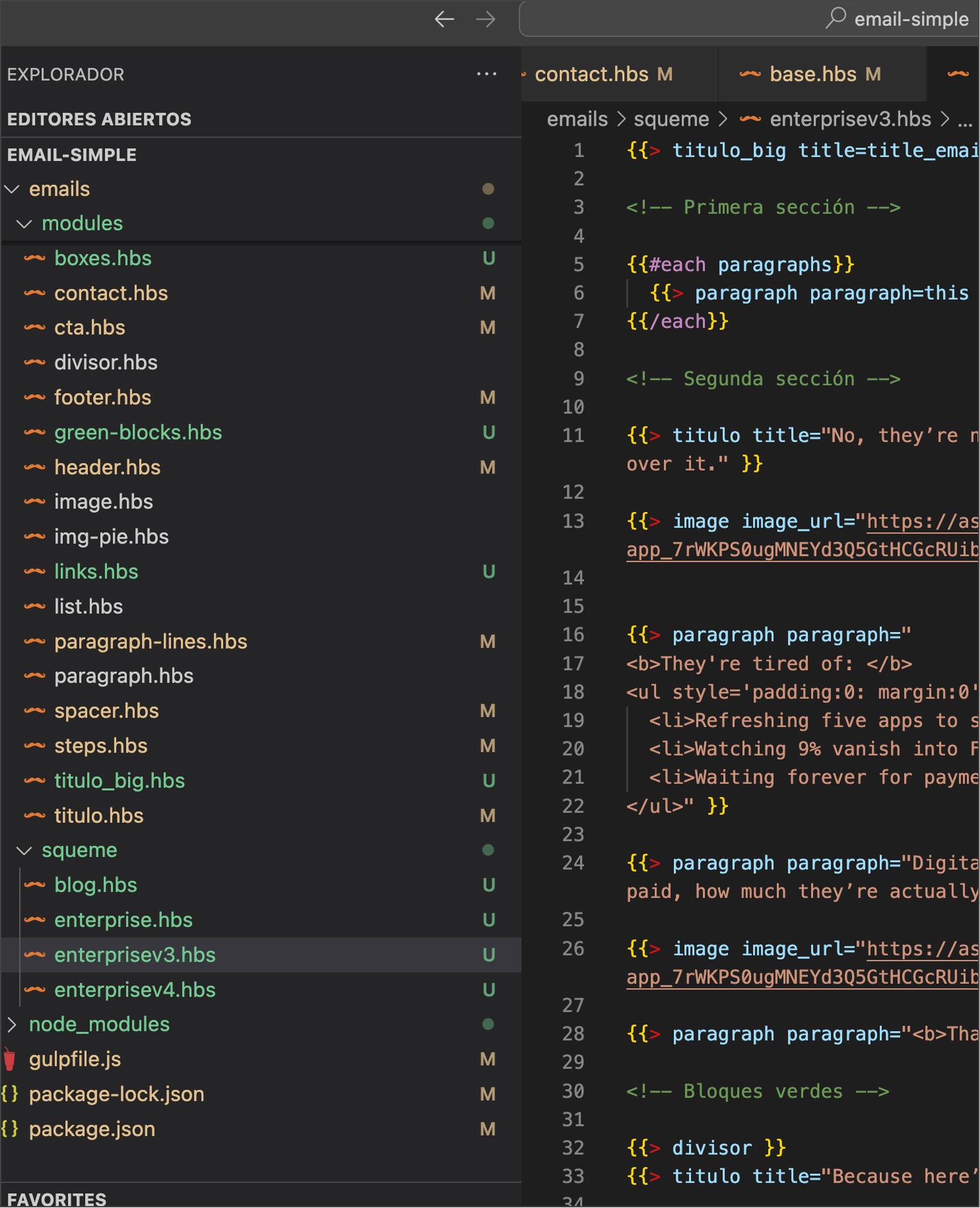
At this stage, the focus shifts to development. Depending on the project, we can choose the right environment and language to bring the wireframes to life. I have worked with Gulp and MJML, often combining them with Nunjucks to automate tasks and build a modular system. In other cases, I use React with its MJML component for a more dynamic workflow. I even built a simple drag-and-drop system in vanilla JavaScript to accelerate template creation and speed up iterations.
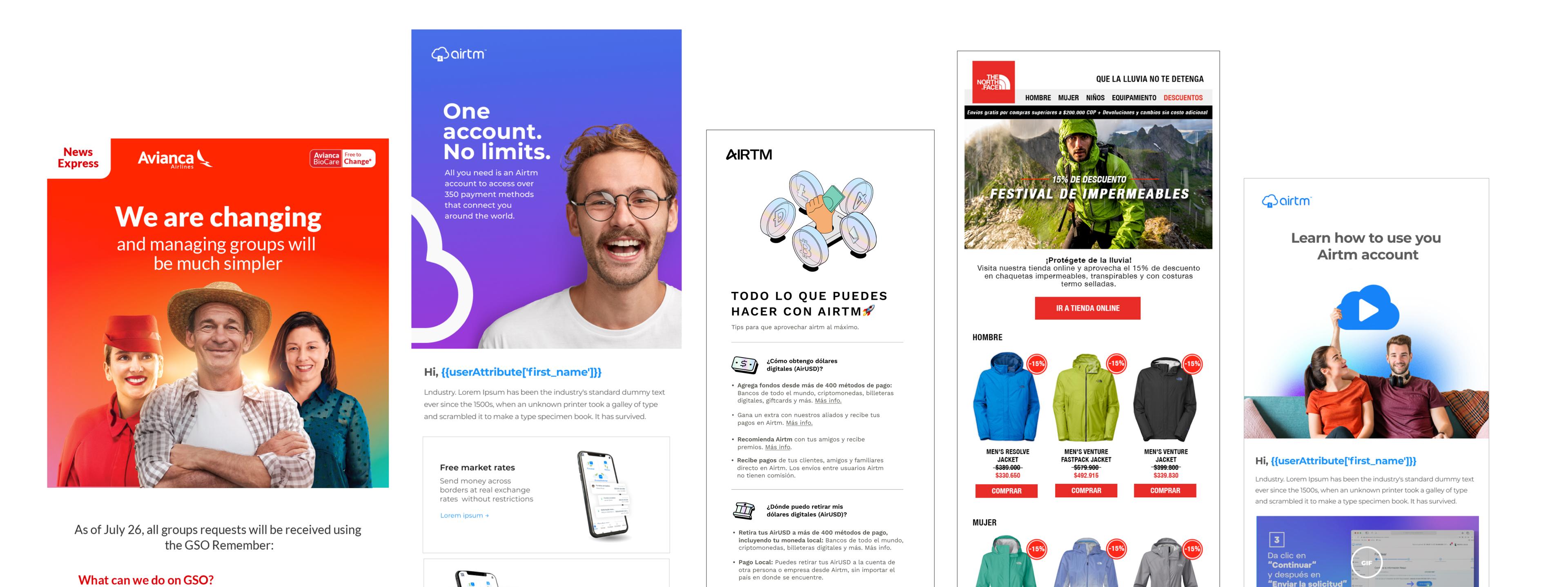
I've also created some experiments to speed up the process of creating a drag-and-drop interface in vanilla JavaScript.
Once content and images are finalized, we upload the template to the sending platform and wire personalization. Variables can be defined during development or directly in the ESP editor. I have worked with platforms like Leamply, CleverTap, Salesforce, and Mailchimp, where most systems rely on variables and use templating frameworks such as Liquid or AMPscript. This step ensures personalization, conditional content, and proper delivery across different environments before the campaign goes live.